Recording live gigs can be both exciting and daunting. For many musicians, capturing a high-quality recording means bringing along a laptop, an audio interface, and a host of cables and software. But let’s face it, we’re already lugging around a ton of gear and dealing with potential tech headaches. Adding more isn’t exactly appealing, especially when you’re focused on performing.
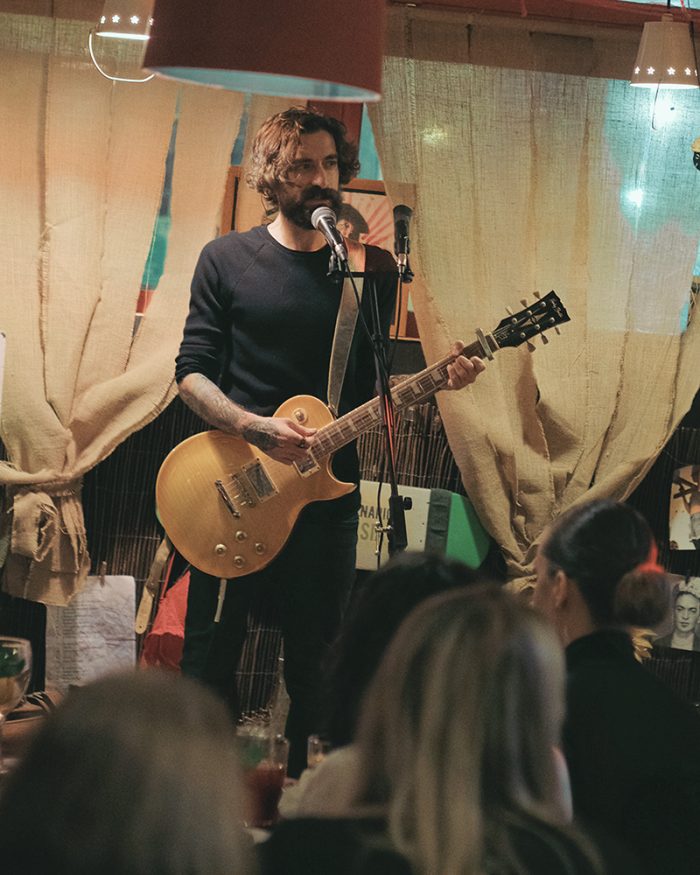
When I recently prepared for a live gig, I wanted a simpler, more reliable solution. It was my third time performing at the same venue, and each time I tried and improved the quality of the recording I got out of it. Here’s how I managed to record incredible audio quality without a laptop, and why you might want to consider this setup too.
I spent a lot of time researching how to do this without completely breaking the bank. Bringing a laptop or using splitters sounded like the norm, but it’s not always practical. For one, all that add extra bulk to your setup, and the need for external interfaces, power cables, and software introduces additional points of failure. Plus, if your computer crashes mid-performance, it’s game over for your recording.
For me, simplicity and reliability were key. I wanted a setup that wouldn’t distract me during my performance.
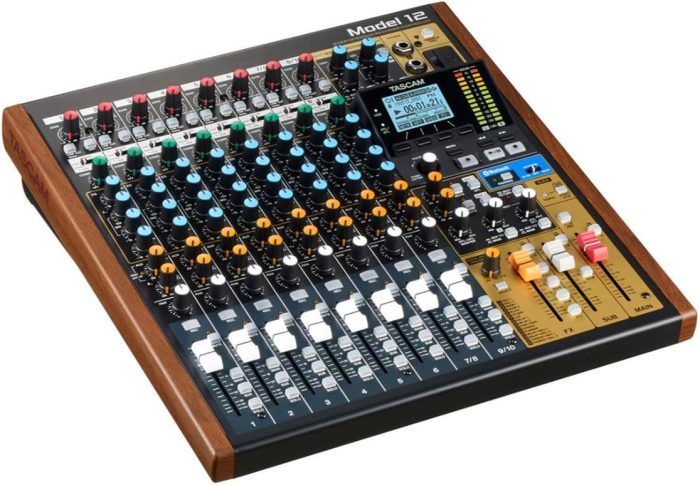
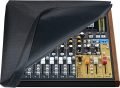
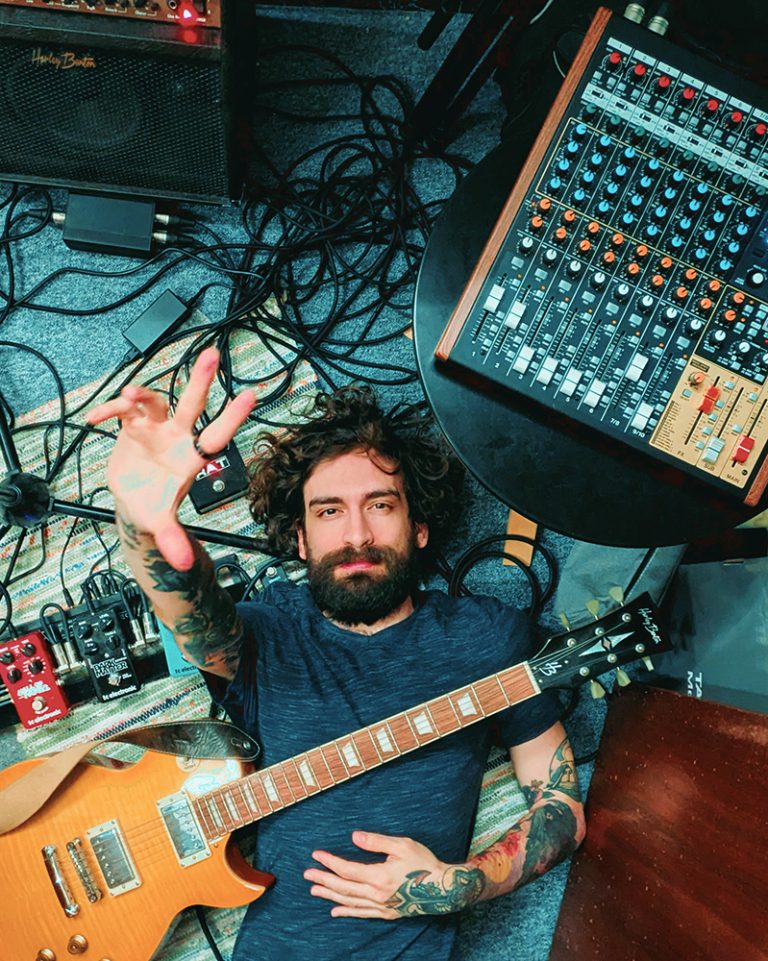
After plenty of research and trial and error, I landed on the Tascam Model 12. This compact digital mixer and multitrack recorder offered everything I needed to capture my live performance hassle-free on an SD card.
It even has an EQ, compressor, and reverb on each track, which I highly appreciate. In case you’re wondering, the signal you record to the SD card, by default, will be the raw signal before those effects are processed, which I prefer, because I do my mixing later on in my studio. However, if you prefer, you can have the Tascam Model 12 record the processed signal for you. Neat!
Having my own mixer also allowed me to do a little sound-check before every rehearsal in my studio, so that when I took the Tascam Model 12 to the venue, the sound-check was a breeze!
The venue did have their own PA system, so I just plugged in my Left and Right outputs to their mixer and panned them hard-left and hard-right and voila. I had full control right next to me on the stage.
The Tascam Model 12 was a flawless solution. It allowed me to focus on my performance and with the push of a button I had professional-grade recordings by the end.
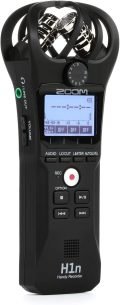
Before discovering the Tascam Model 12, I tried using the Zoom H1n handheld recorder. It was definitely a step up from a phone recording and gave me a decent stereo capture of my gig’s audio. However, it fell short in several ways:
Still, the Zoom H1n is a solid entry-level solution for recording rehearsals or small gigs. And I even ended up using it to add the room sound later on, like audience applauses. That also doubles as a fail-safe, in the rare case that something goes wrong with your primary recording.
One of the best ways to evaluate a recording setup is to compare actual results. That’s why I’ve recorded performances at the same venue using two different methods: a Zoom H1n microphone placed at the back of the venue, and the Tascam Model 12‘s multitrack recording. Both audios have been post-processed later on my computer for general balance, EQ, Compression, Reverb. Here’s how they stacked up:
The audio you hear in this video is recorded by a Zoom H1n which I placed at the back of the bar, behind the audience. As you can see, it’s a clear improvement over a smartphone recording. However, it still struggles with separating instruments and vocals, and the recording’s balance depended heavily on the device’s placement. For instance, in the quiet segments of the song you can hear the noisy weekend crowd outside the bar!
The audio you hear in this video is recorded on a Tascam Model 12. With multitrack recording, I could capture every track with pristine clarity. The ability to mix and monitor live ensured that the final recording sounded polished and professional, with depth and definition that neither the smartphone nor the H1n could achieve. The Tascam Model 12 is truly in a league of its own!
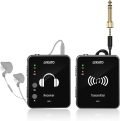
These can be hooked to the AUX sends on the Tascam Model 12. Note that IEMs are not included.
Recording live gigs doesn’t have to be complicated or stressful. Here’s what I’ve learned through trial and error:
Starting with the Zoom H1n helped me ditch the laptop and splitters, and kept my setup streamlined and stress-free. The Tascam Model 12 turned out to be my ultimate solution, offering professional-quality recordings and an intuitive, hassle-free workflow.
How useful was this post?
Click on a star to rate it!
Average rating 0 / 5. Vote count: 0
No votes so far! Be the first to rate this post.
We are sorry that this post was not useful for you!
Let us improve this post!
Tell us how we can improve this post?